01
Scan across the network
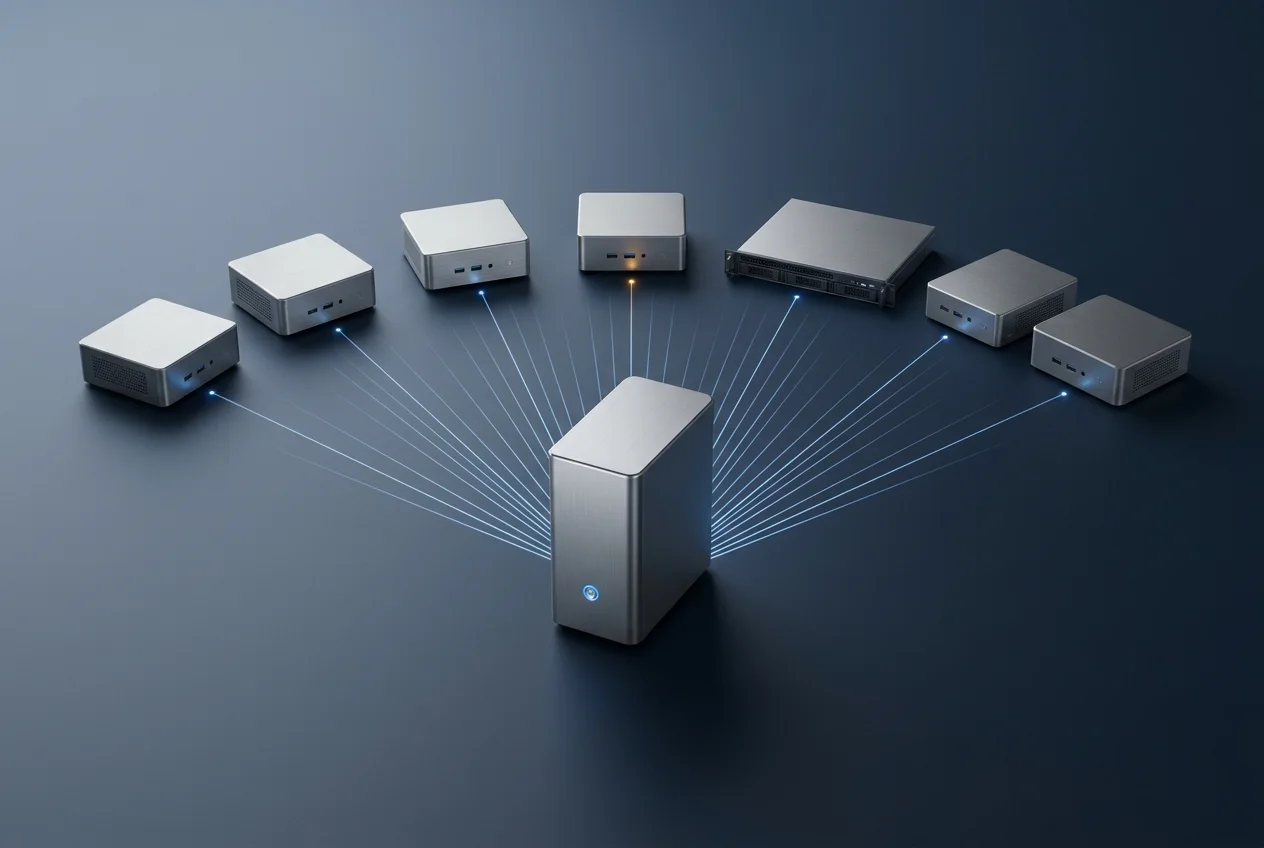
Scan workstations and servers from one or more auditing PCs. Name a computer, give an address, or give a range of addresses. Nobody walks from desk to desk.
Workstations · ServersFind adult and other inappropriate files on the workstations and servers of your organisation. Designed for schools, businesses and government.

PinPoint Auditor scans the computers on your network for pornography and other files that break your policy. It looks inside images, videos, documents and compressed files, and reads internet history for each user. You review what it finds and decide what to do.
Scan workstations and servers from one or more auditing PCs. Name a computer, give an address, or give a range of addresses. Nobody walks from desk to desk.
Workstations · ServersPinPoint looks at the picture itself, and at frames taken from each video, not only at file names. Every result gets a suspicion score and the most suspicious come first.
Images · VideoReads the text of documents, file names, and the details stored inside pictures and videos. Built-in keyword lists cover pornography and obscenity, profanity, drugs and gambling. Add your own lists and share them between sites.
Four built-in lists
Give a start time and a finish window. Heavy scans run at night or at the weekend, when the network is quiet.
Nights · WeekendsA word can be harmless in one sentence and not in the next. Tell PinPoint which nearby words raise a match and which lower it, so "naked bodies" scores high and "naked flame" does not.
Fewer false alarmsOpens ZIP and RAR files, lists what is inside, and checks the pictures, videos and documents it finds there.
ZIP · RARReads internet history for the user profiles on a computer. See the sites each user visited, on which days, and a graph of the time of day.
Per userChecks what a file really is, whatever its name says, so a renamed picture is still found. It can also look in NTFS alternate data streams, a place where a file can be hidden behind another file.
Beyond the file name
Build a report from the items you pick, or let PinPoint build one automatically. Reports can carry thumbnails, scan details and examiner details, and can link to a copy of each file. A report can be compressed and protected with a password.
HTML · ThumbnailsPinPoint records the owner of each file. A report can rank users by the number of suspicious items, so you know where to look first.
Multi-user reportingLook for files by name pattern: unlicensed software, copyrighted material, tools you do not allow, or any other file your policy names.
Your own file listsSome computers are not on the network: a laptop that comes back from the field, a PC in a workshop, a machine you have been asked to check on the spot. PinPoint Portable runs from a USB drive. Plug it in, scan, and take the results away with you.
Carry it in a pocket to the computer you must check.
The computer you scan gets no new software.
The same checks, where a network scan cannot reach.
Every site license comes with PinPoint Portable.

Scanning puts little load on the computer it reads, so people keep working. Where a PC or server is busy, a throttle slows the scan down further.
Put groups of workstations and servers into a queue and scan them in one session. A computer that is switched off is waited for, then passed over.
See results as thumbnails or as a table, with a preview beside them. Mark files as safe so they are not shown again. Deletion is always your choice, item by item or by selection.
Pause a long scan to look at the results so far, then carry on. After a power failure or a shutdown, the scan continues from where it stopped.
Start scans and produce reports from a script, with no operator at the screen.
A person who views inappropriate material at work is not working, and the habit spreads. PinPoint Auditor helps you find the problem early and deal with it.
Files that should not be there use disk space, backup space and bandwidth. Find them, and take the load off your systems.
A clean, safe workplace matters more than ever. PinPoint locates problem files and activity so that your organisation can act on them.
Discounts apply for government, education, military and not-for-profit customers.
Ask for a quoteFor organisations with up to 100 workstations and servers.
For organisations with up to 250 workstations and servers.
For organisations with more than 250 workstations and servers.
The first twelve months are included in the purchase price. After that, a yearly maintenance fee of 22% of the purchase price keeps your license active, with product updates, bug fixes and priority email support. If maintenance is not renewed, the license ends at the close of the paid year.
PinPoint Auditor has one team for trials, quotes, licenses and support.
Contact the PinPoint teamWrite to us with a few details about your organisation. We will send you a free trial to run on your own network, with no cost and no obligation.
Scanning is designed to have little effect on the computer it reads, so people can keep working. If a system is busy, you can slow the scan down further, or schedule it for the night.
Yes. Scan a server across the network, or install PinPoint Auditor on the server for the fastest scan. It can scan user profiles and user storage.
No, and that is on purpose. Software can be wrong, and a file it suspects may be one you need. You review the results and choose what to delete. You can tick items across many pages and delete them together.
We will write to current license holders when it is ready. Ask us if you would like to hear about it as well.
No cost and no obligation. Tell us a little about your organisation and we will set you up.