
Checking one computer for inappropriate files is a job for an afternoon. Checking a hundred, or a thousand, is a project. It goes well when it is planned like one. This guide sets out the plan.
If you have not yet written down your acceptable use rule, start with inappropriate content on work computers: policy, checks and what to do. A network audit without a policy behind it is hard to defend.
Before you start
- A policy and a notice. People should know that computers are checked, and why.
- Permission to read the computers. You need an account with administrator rights on the computers you will scan, and network access to them from the computer you will scan from.
- A list of computers. Names, addresses or address ranges. Group them: offices, departments, servers, school rooms.
- A place to keep the results. Somewhere secure, with access limited to the people who need it.
Decide the scope
Which computers
Workstations, laptops and servers. Servers and shared storage often hold the largest collections, because they have the most space and the fewest people looking.
Which places
User profiles cover most of what people save: downloads, desktops, documents and pictures. Shared folders and whole drives take longer, and find what profiles miss.
Which kinds of file
- Images and video, checked by what they show, not only by name.
- Documents and file names, checked against keyword lists.
- Compressed files such as ZIP and RAR, opened and checked inside.
- Disguised files, whose name says one thing and contents another.
- Internet history, for each user.
- Your own lists: unlicensed software, copyrighted films and music, tools your policy does not allow.
Plan around the working day
People should not notice an audit.
- Scan while computers are in use, with a tool that puts little load on them, and slow it down further on busy machines.
- Or schedule heavy scans for nights and weekends, with a start time and a finish window.
- Queue computers in batches, so one session covers a whole group, and computers that are switched off are picked up later.
- Scan large servers on the server itself where you can. It is faster than reading the data across the network.
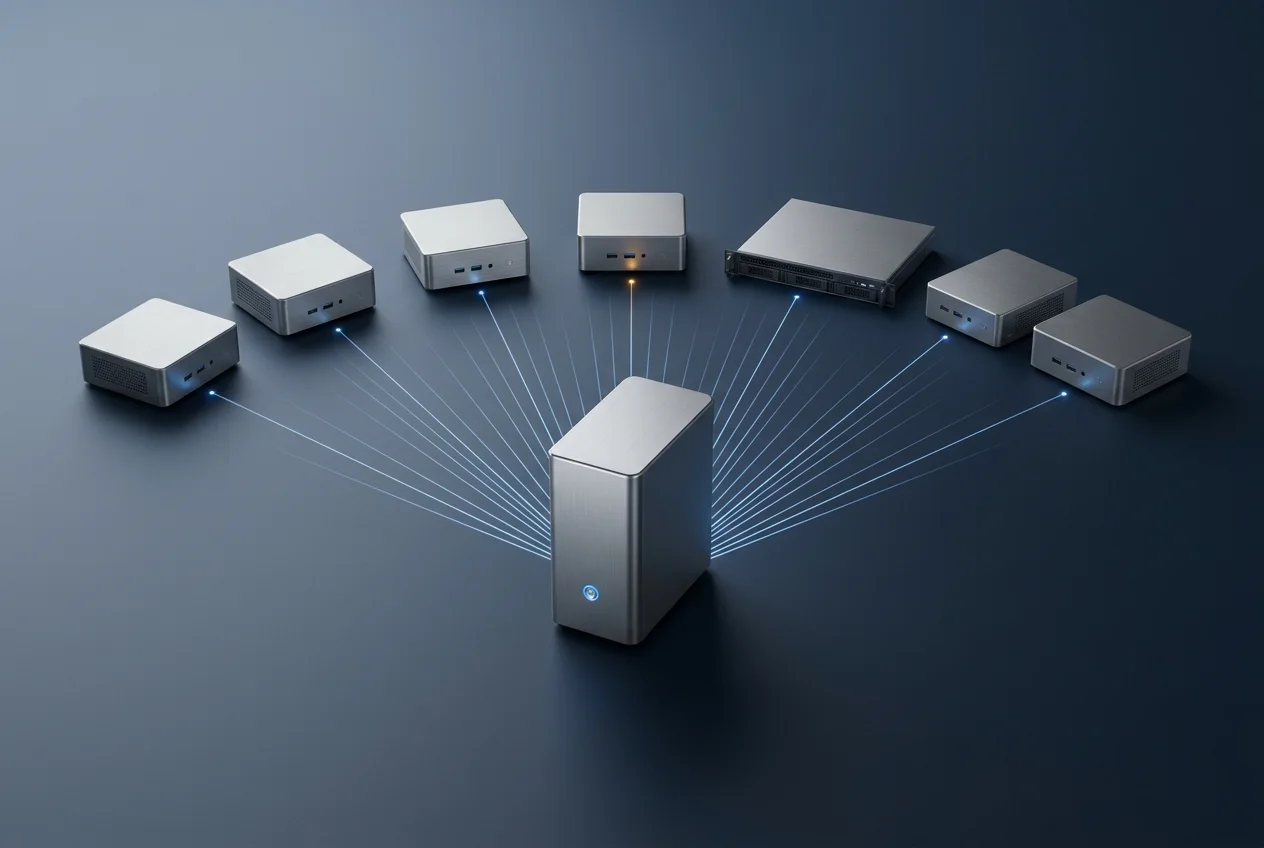
Computers that are not on the network
Every organisation has some: laptops in the field, workshop PCs, machines at a remote site, a computer someone has asked you to check on the spot. Plan for them with a version of your tool that runs from a USB drive, with nothing to install on the computer being checked.
Review the results
A good tool sorts its results with the most suspicious first, shows thumbnails beside a list, and lets you mark files as safe so they are not shown again. Keyword checks should take context into account: "naked flame" in a safety document is not the same as the same word next to others. Expect to review. Software that deletes on its own is software you cannot defend.
Report on what you found
A report should let someone who was not there understand what happened:
- What was scanned, when, and by whom.
- What was found, with thumbnails, locations, dates and the user account that owns each file.
- A summary by user, so the people who must decide know where to look first.
- Protection: a report that holds thumbnails should be compressed and protected with a password.

A checklist for choosing a tool
- Does it scan across the network from one seat, so nobody walks from desk to desk?
- Does it look at what is in the pictures and videos, not only at file names?
- Does it open compressed files, and catch renamed ones?
- Can it run while people work, and on a schedule?
- Can you review everything before anything is deleted?
- Does it report by user, in a form you can hand over?
- Does it have a portable version for computers off the network?
Next steps
Start small. Pick ten computers and a server, run a full audit, and look at the report with the people who will act on it. Agree what happens with what you find. Then widen the scope, and put the scans on a schedule.
Try it on your own network.
Tell us a little about your organisation. We will send a free trial of PinPoint Auditor, with no cost and no obligation.